

Robotics & Engineering - Week of 11/16/26
This week was super exciting, as I was able to get the golf cart making steering decisions on its own.
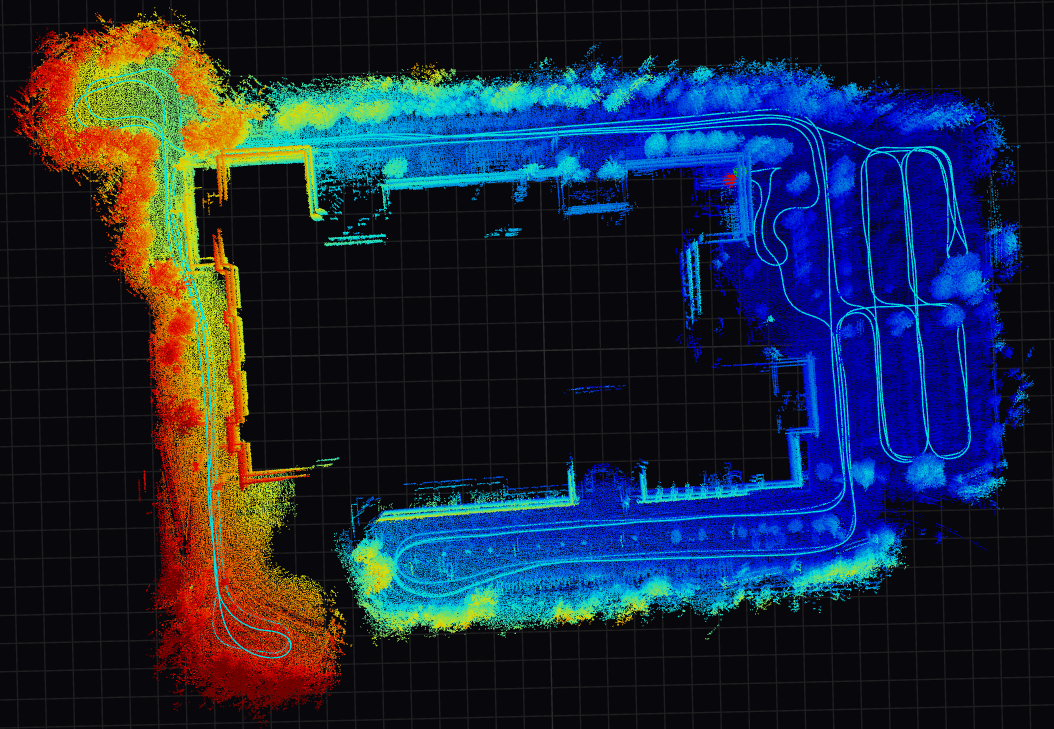
The SLAM is working reliably and can pinpoint my exact location down to a few inches from our experiments. This is plenty of resolution for what we need it to do.
This is the full 3D rendering of the map I saved and will be referencing for ongoing parts of this project.
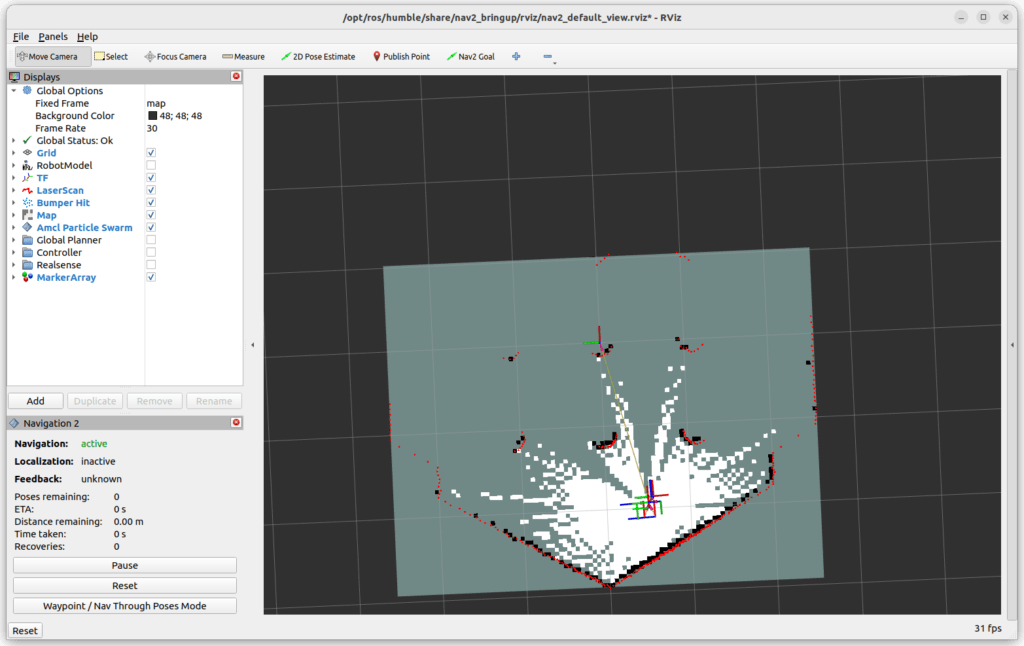
In order to go from simply locating the car on a map in space to actually having the car make decisions for itself, we need a middle man piece of software. Because I am using ROS2 for this application, I chose to go for the well-tested NAV2 sofware. NAV2 is an open source autonomy framework that supports a ton of different autonomy projects with various sensors. LiDAR is the most well-supported type of sensor used in this software, which is perfect!
My goal for the end of the week was to get the hardware and software talking completely over serial (USB) so that the car could actually take action on the decisions the computer was making.
By Tuesday, I got the hardware side working, where I could control everything (except brakes, which was intentional) from a USB cable. I wanted to leave the brake setup disconnected as its more safe for real testing.
On Wednesday, the ROS2 implementation was fully implemented, and I could draw waypoints on the laptop and see the NAV2 software drawing a driving line on screen for the car to follow. The coolest part was that when the location of the car was moved, the line updated in real time to compensate for its new coordinates or heading. I did notice that the car always thought it was 90 degrees clockwise to the direction it was always facing, which made the NAV2 software struggle to find the best path for the waypoint mission without first turning the car around.
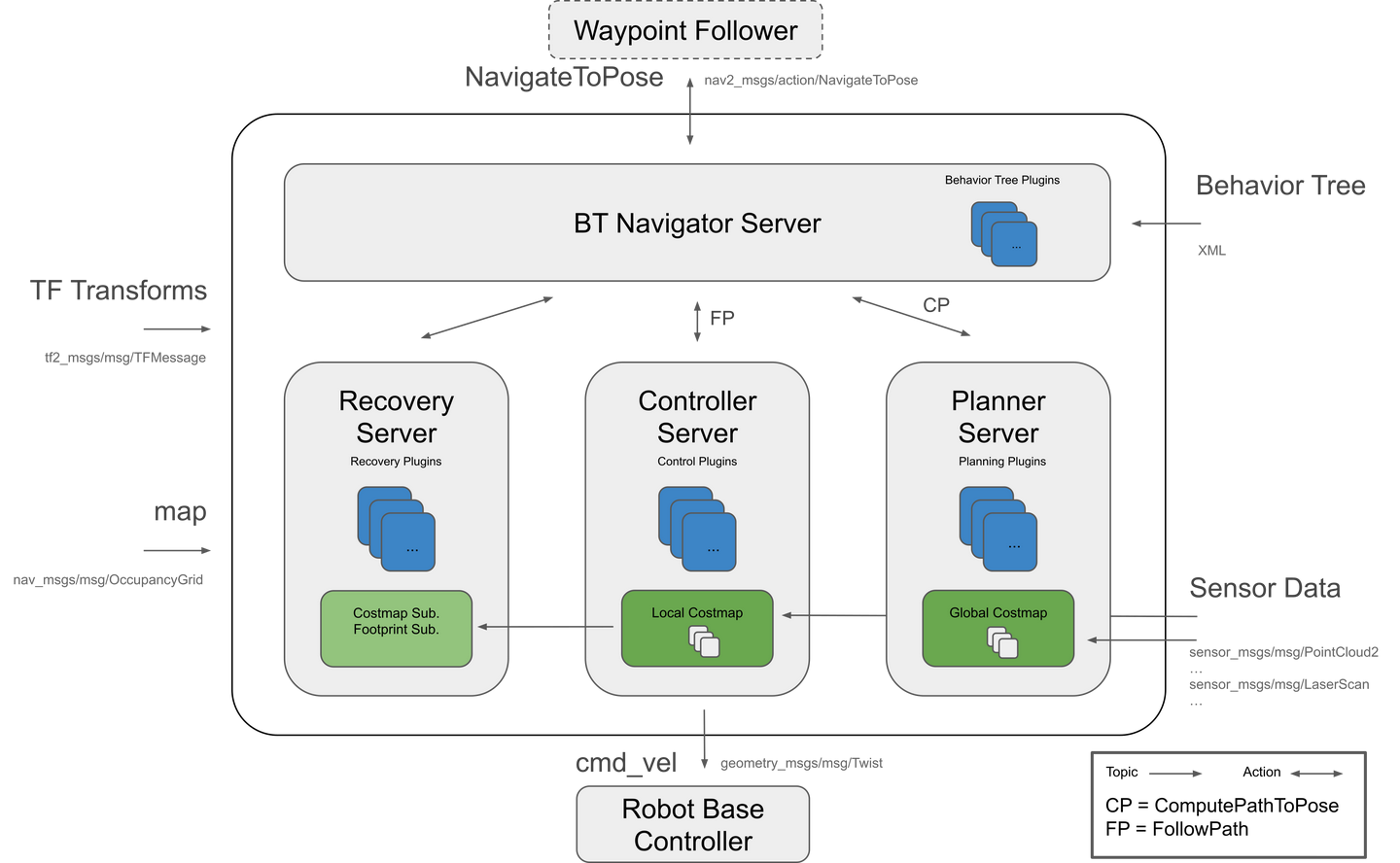
This is the “behavior tree” that my implementation of NAV2 is using:
On Thursday, I fixed the heading discrepency and got everything looking good. When I plugged in the USB cable and let the software control the car for the first time, it started steering in the opposite direction of the waypoint and accelerated almost hitting a curb. This is when I decided that I wasn’t going to give the AI control over the throttle yet… I would be in charge of the pedals for now.
I was able to fix the steering direction problem easily by simply changing the LPWM and RPWM pins on the motor driver to opposites. This made the car’s actions not mirrored incorrectly. Also, I turned up the gain of the steering more to make it more agressive towards pointing the car toward the destination waypoint.
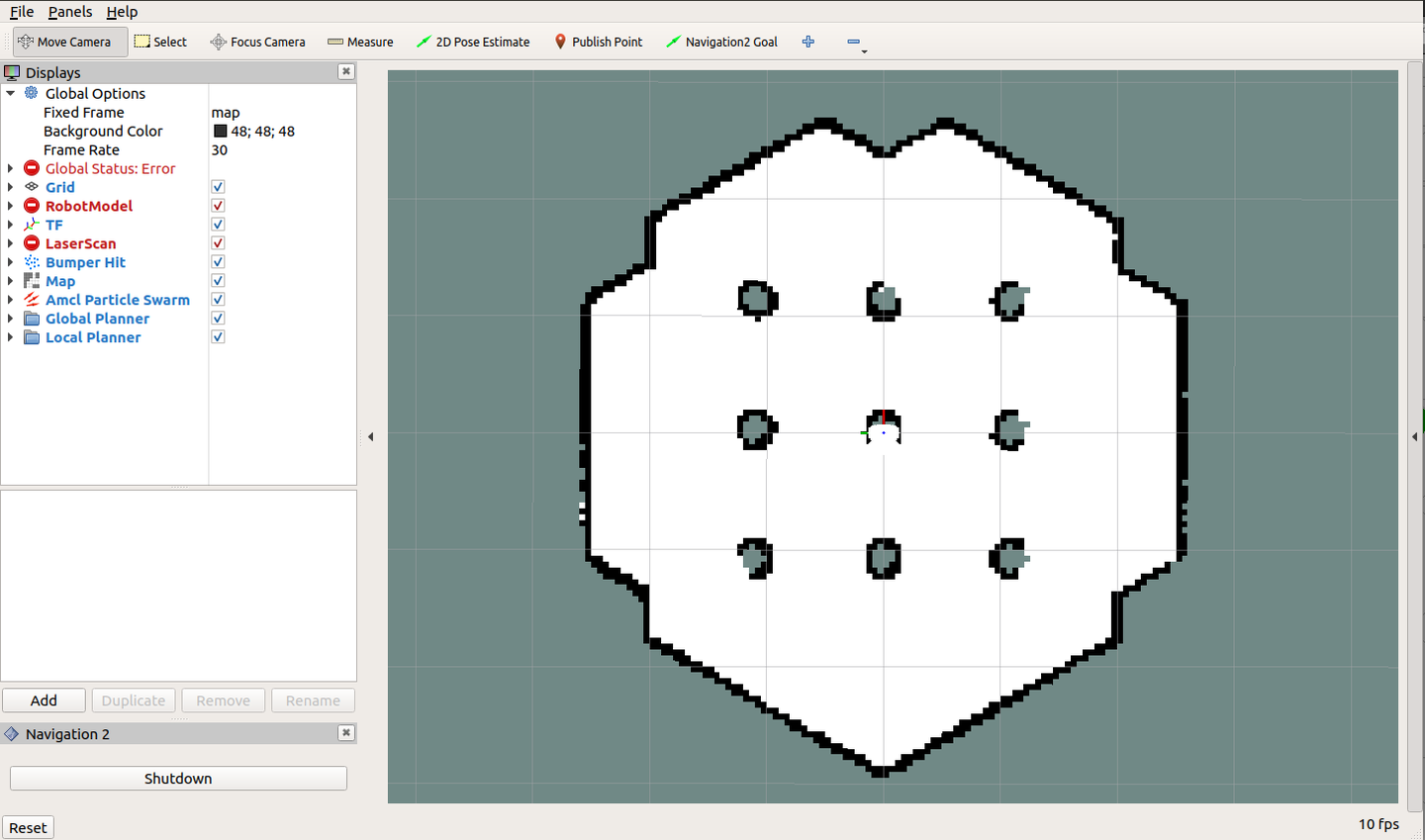
Unfortunately, I didn’t get a video or photo of this actually working because it was starting to get dark and my shop teacher wanted to go home. This is more or less how it looked though (img credit):
Next week, I plan on refining the PID control for steering to make it overcorrect less and actually be more reliable in moving towards the waypoints. I will also probably try giving it full throttle control, assuming it seems safe enough.
0
Views